Forge Dark is a clean, GitHub-inspired soft dark VS Code theme for long PR reviews and daily shipping — familiar blue-gray chrome, coral keywords, and calm readability without neon noise.
What is Forge Dark?
Forge Dark is a free dark color theme by mrait.ca / iammrait for VS Code, Cursor, Google Antigravity, and other Open VSX editors. It follows the same story-driven palette craft as AitJoker and Scarlet March, tuned for a professional “github.com at night” feel.
Screenshots
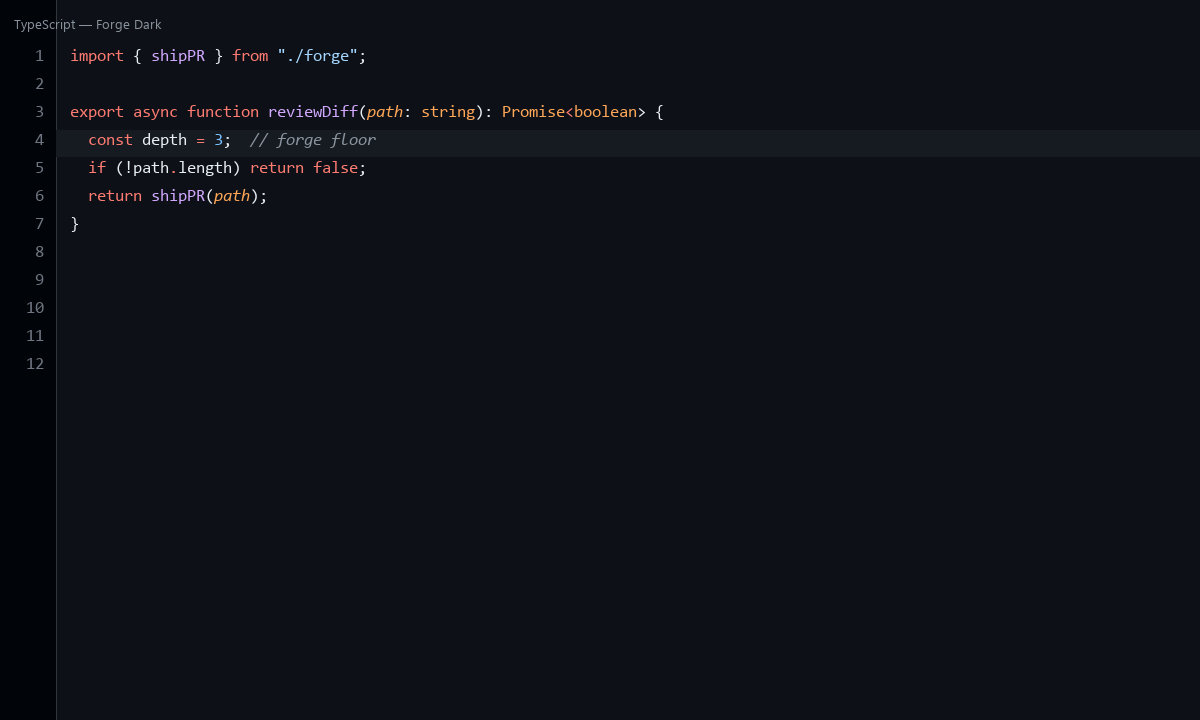
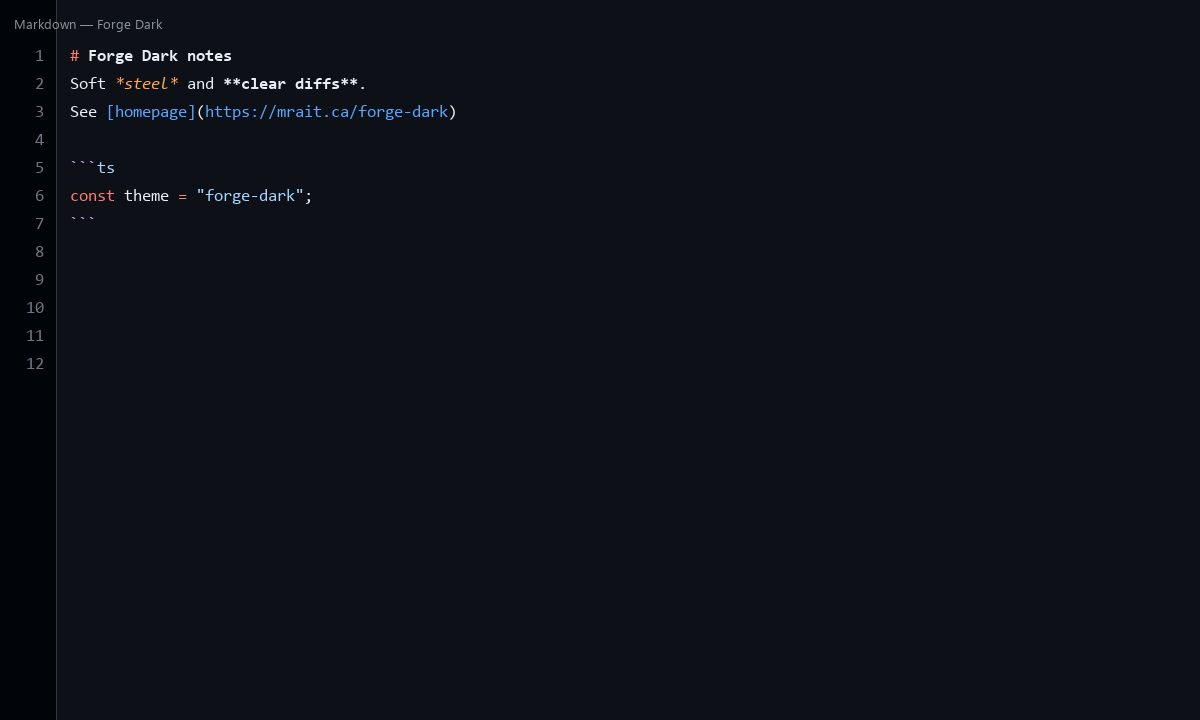
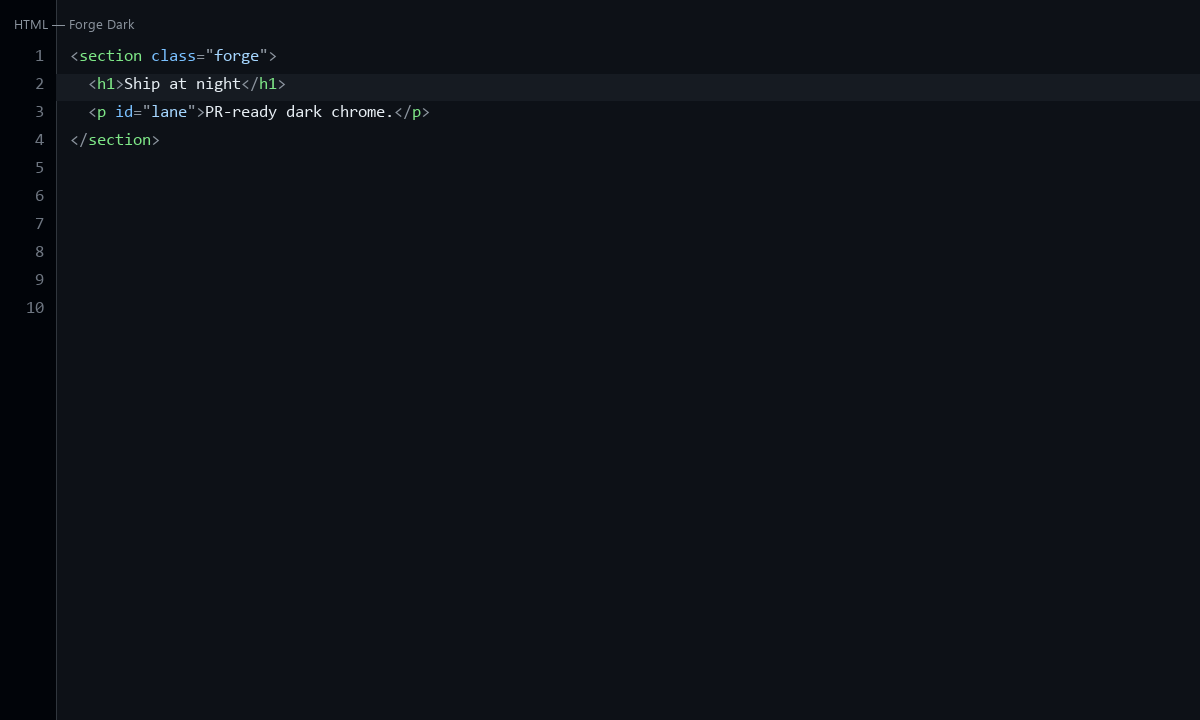
Who it is for
- Full-stack and open-source developers who want a familiar dark theme
- Teams that live in pull requests and diffs
- Anyone tired of neon themes but still wanting clear syntax hierarchy
Color palette
| Role | Hex | Inspiration |
|---|---|---|
| Background | #0d1117 |
Soft forge floor |
| Surfaces | #161b22 |
Raised steel panels |
| Keywords | #ff7b72 |
Forge coral heat |
| Functions | #d2a8ff |
Violet spark |
| Strings | #a5d6ff |
Monitor blue |
| Types | #ffa657 |
Warm brass |
| Numbers | #79c0ff |
Ice-blue gauge |
| Comments | #8b949e |
Quiet slag gray |
Install Forge Dark VS Code theme
- Open Extensions in VS Code, Cursor, or Antigravity.
- Install from Open VSX: iammrait.forge-dark.
- Command Palette → Preferences: Color Theme → Forge Dark.
Manual VSIX: package from the GitHub repo with vsce package, then Install from VSIX.
Compatibility
Works anywhere VS Code themes work: Visual Studio Code, Cursor, Google Antigravity, VSCodium, and other Open VSX-based IDEs.
FAQ
Is Forge Dark free?
Yes. MIT licensed and free on Open VSX.
Is Forge Dark a copy of GitHub Dark?
No. It is a cousin aesthetic — soft blue-gray professional dark with an original Role|Hex|Inspiration palette for the iammrait / mrait.ca theme family.
Does it work in Cursor and Antigravity?
Yes. Install from Open VSX the same way as other color themes.
Where is the homepage?
This page: https://mrait.ca/forge-dark.