One Ember is a balanced One Dark–inspired charcoal VS Code theme — soft magenta keywords, green strings, and all-day readability without neon fatigue.
What is One Ember?
One Ember is a free dark color theme by mrait.ca / iammrait for VS Code, Cursor, Google Antigravity, and Open VSX editors. It sits in the same family as AitJoker and Forge Dark, tuned as a classic daily-driver charcoal theme.
Screenshots
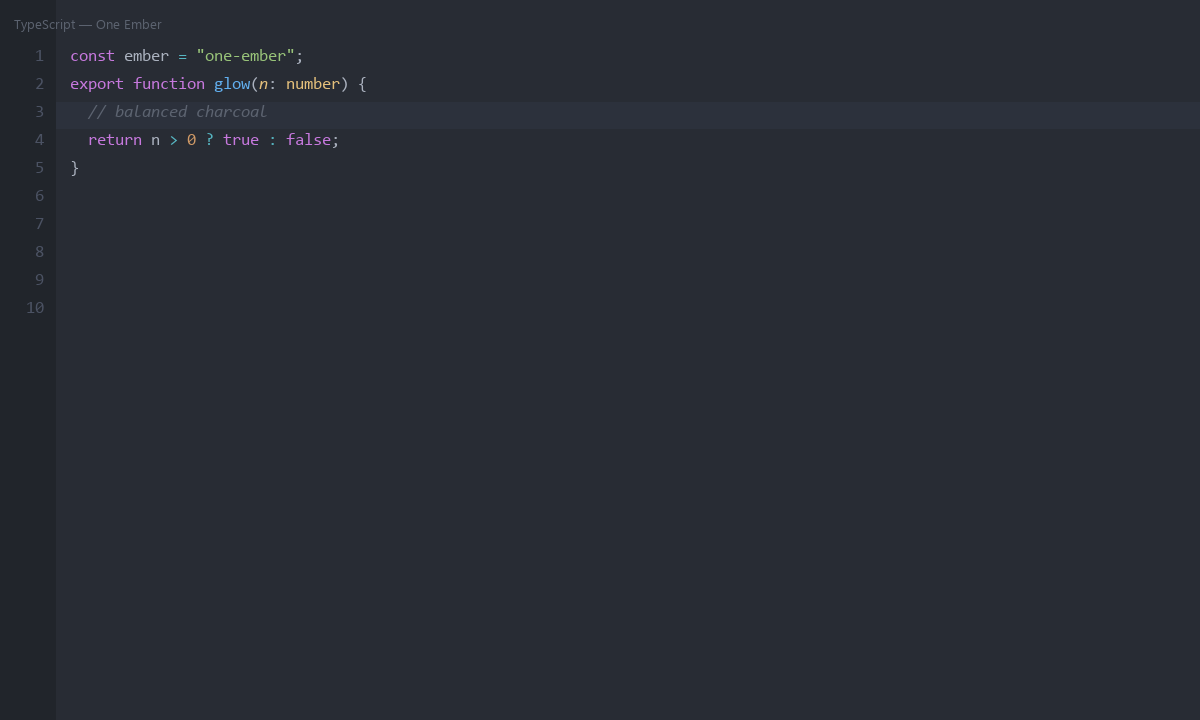
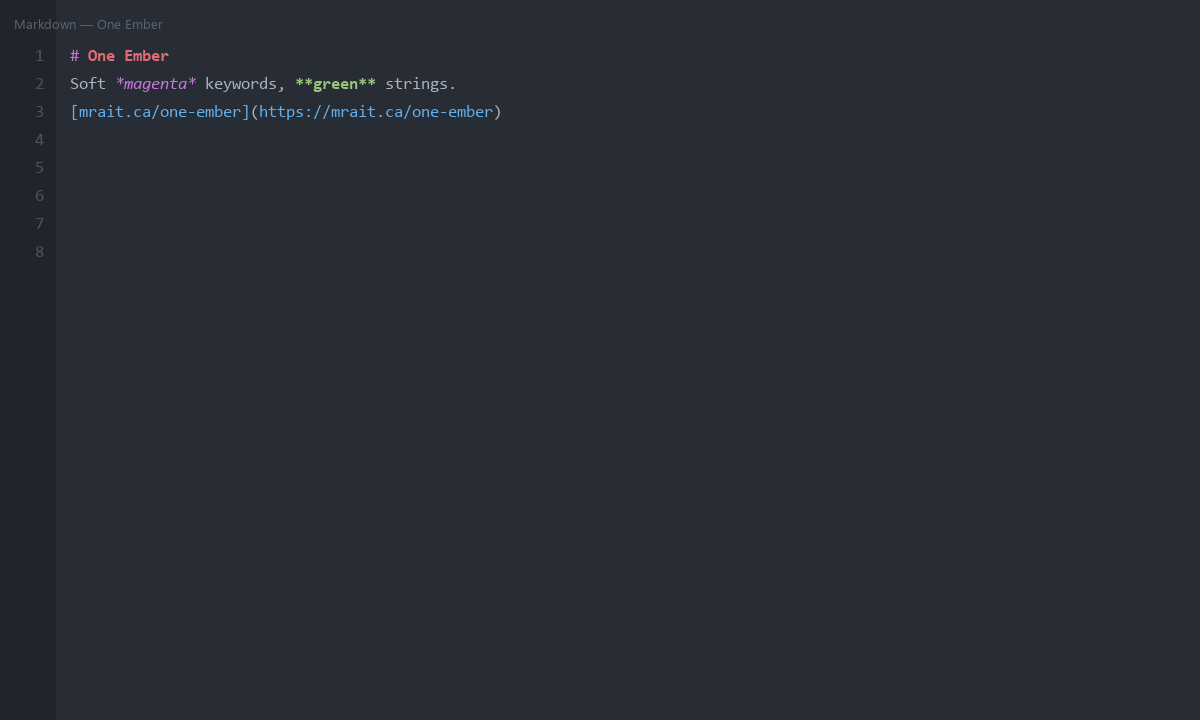
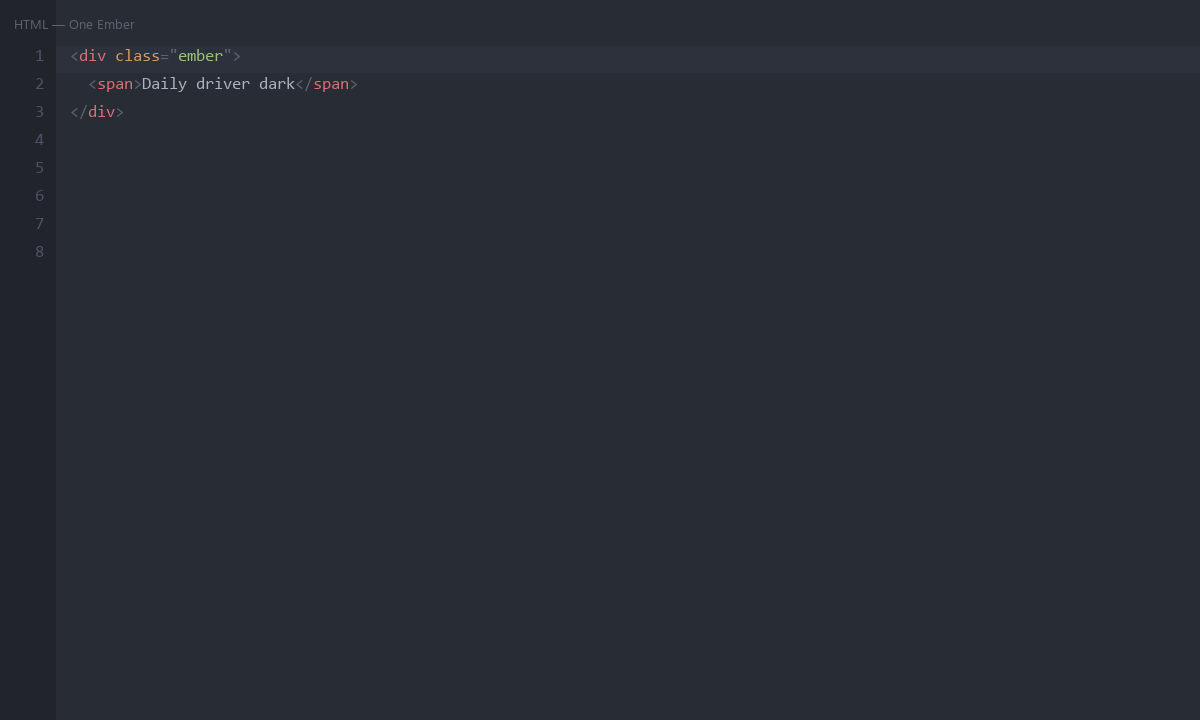
Who it is for
- Developers who want a familiar One Dark–style daily driver
- Polyglot backends and frontend work in one theme
- Long sessions that need balance over drama
Color palette
| Role | Hex | Inspiration |
|---|---|---|
| Background | #282c34 |
Warm charcoal ember bed |
| Keywords | #c678dd |
Soft magenta ember |
| Functions | #61afef |
Clear day sky |
| Strings | #98c379 |
Fresh leaf green |
| Types | #e5c07b |
Soft gold spark |
| Numbers | #d19a66 |
Peach glow |
| Comments | #5c6370 |
Quiet ash |
Install One Ember VS Code theme
- Open Extensions in VS Code, Cursor, or Antigravity.
- Install from Open VSX: iammrait.one-ember.
- Command Palette → Preferences: Color Theme → One Ember.
FAQ
Is One Ember free?
Yes. MIT licensed and free on Open VSX.
Is it the same as One Dark Pro?
No. It is an original cousin palette for the iammrait / mrait.ca family — balanced charcoal, not a rebrand.
Does it work in Cursor and Antigravity?
Yes, via Open VSX color themes.